
For the last two years, we’ve described Dolt Workbench as an open source SQL workbench for MySQL and PostgreSQL compatible databases, with version control features unlocked by Dolt and Doltgres. Today, we’re adding SQLite to that list with support for DoltLite.
DoltLite is a fork of SQLite that replaces the B-tree storage engine with a content-addressed prolly tree. This is what enables DoltLite’s Git-like version control primitives such as commits, branches, and merges, all of which are now exposed through the workbench’s graphical interface.
Workbench as a DoltLite Sales Pitch#
Dolt Workbench is now an example of an application built on top of DoltLite. The desktop app uses DoltLite’s Node library to interact with database files directly in-process. There is no database server to configure or keep running. DoltLite ships with the app and gives the workbench access to all of DoltLite’s version control features.
You can use the same architecture in your own application. DoltLite provides SQLite-compatible bindings for several other languages, including Python, Ruby, Swift, Android, and WASM. This enables any application to add Git-like version control without introducing a separate database server.
Because DoltLite is embedded directly in Dolt Workbench, all you need to get started is the desktop app. You can download it from our website, the Mac App Store, or the Microsoft Store.
Getting Started#
To get started with DoltLite in the workbench, add a connection and select SQLite/DoltLite as the database type.
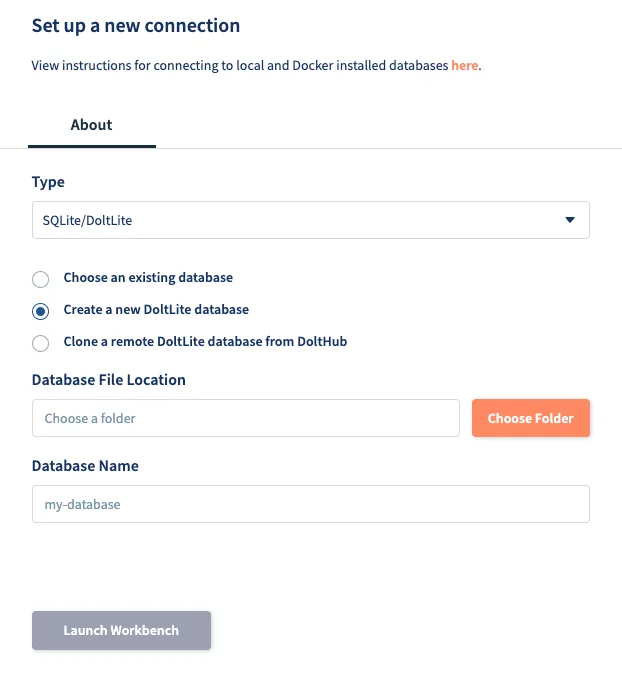
From here, you can open an existing SQLite or DoltLite database, create a new DoltLite database, or clone one from DoltHub. For this example, we’ll create a new DoltLite database by selecting a location on disk and entering a database name. The workbench will then open the new, empty database.
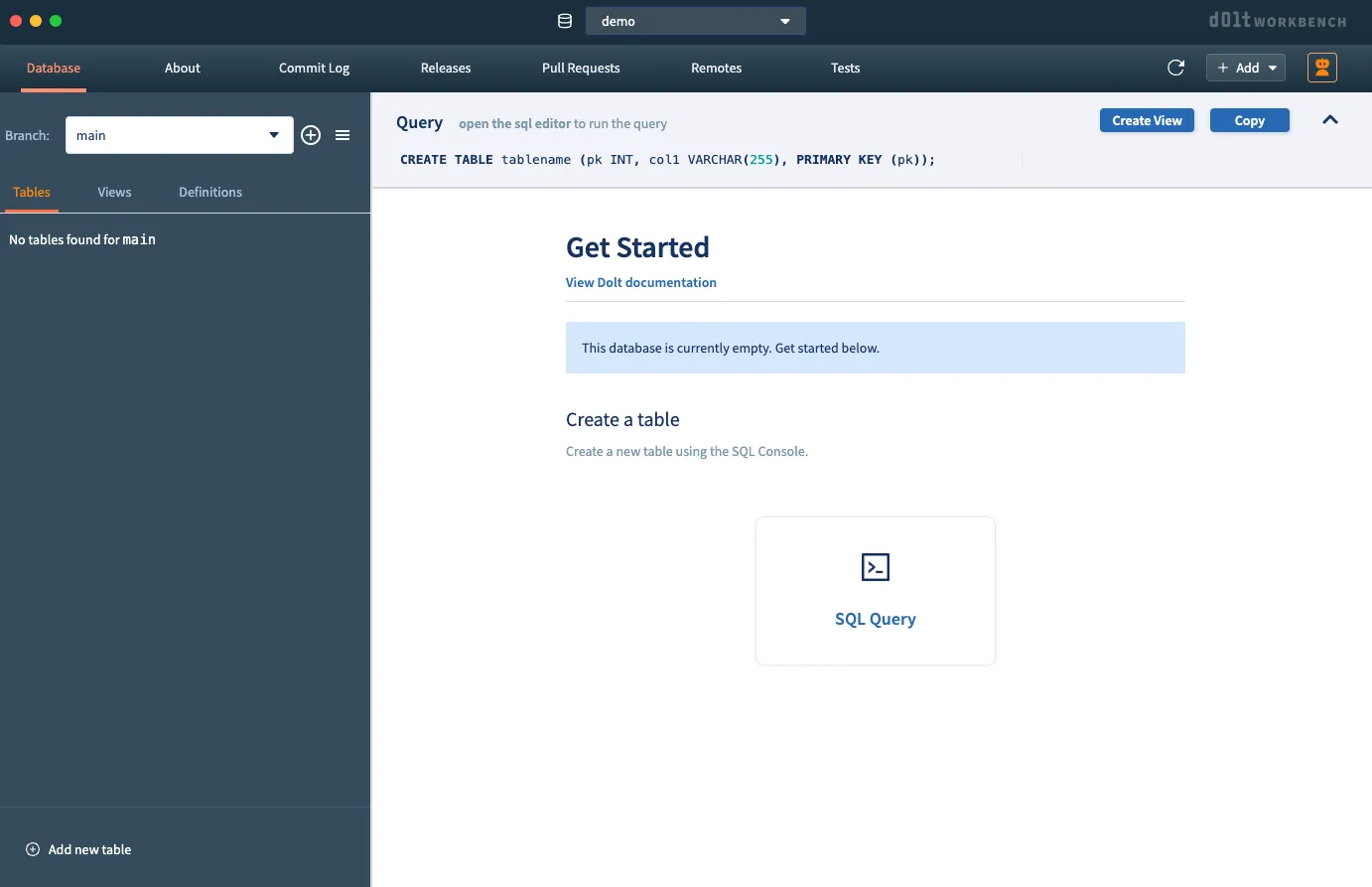
Seeding the Database#
Now we have a database but no data. To help seed it, we’ll use one of the workbench’s newest features: agent mode. This is an agentic chat interface that allows you to safely interact with Dolt, Doltgres, and (now) DoltLite databases. To open it, click the orange robot icon in the upper-right corner of the screen, then enter a prompt in the chat panel.
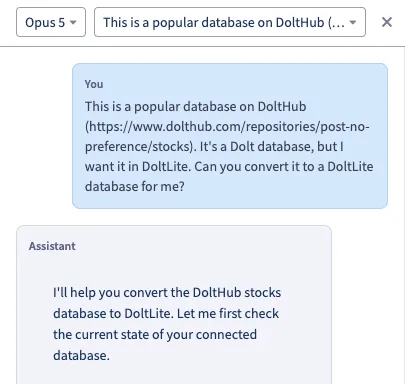
After asking it to take the stocks database from DoltHub and convert it to DoltLite, the agent worked for a few minutes and reported back with this:
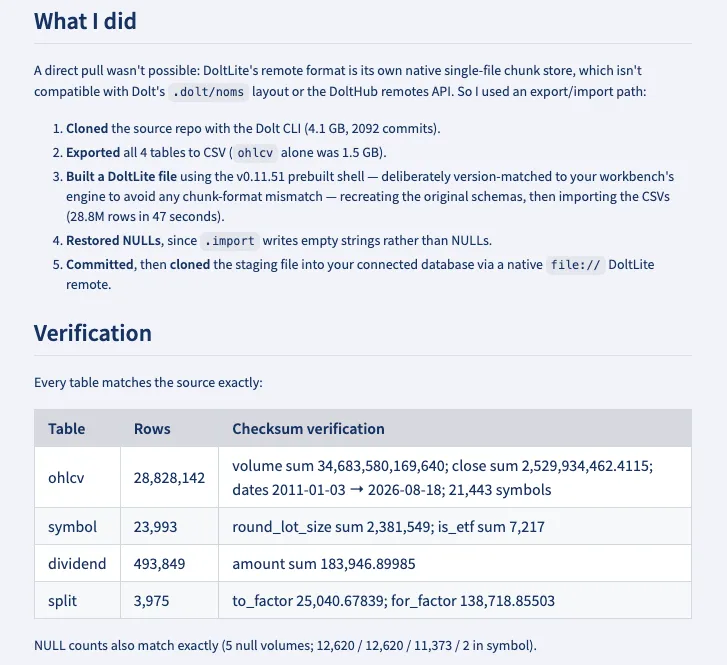
The agent cloned the Dolt database, exported its tables as CSV files, then imported them into DoltLite. If we check the commit log in the workbench, we can see the resulting commit:

Selecting the commit shows an overview of the diff:
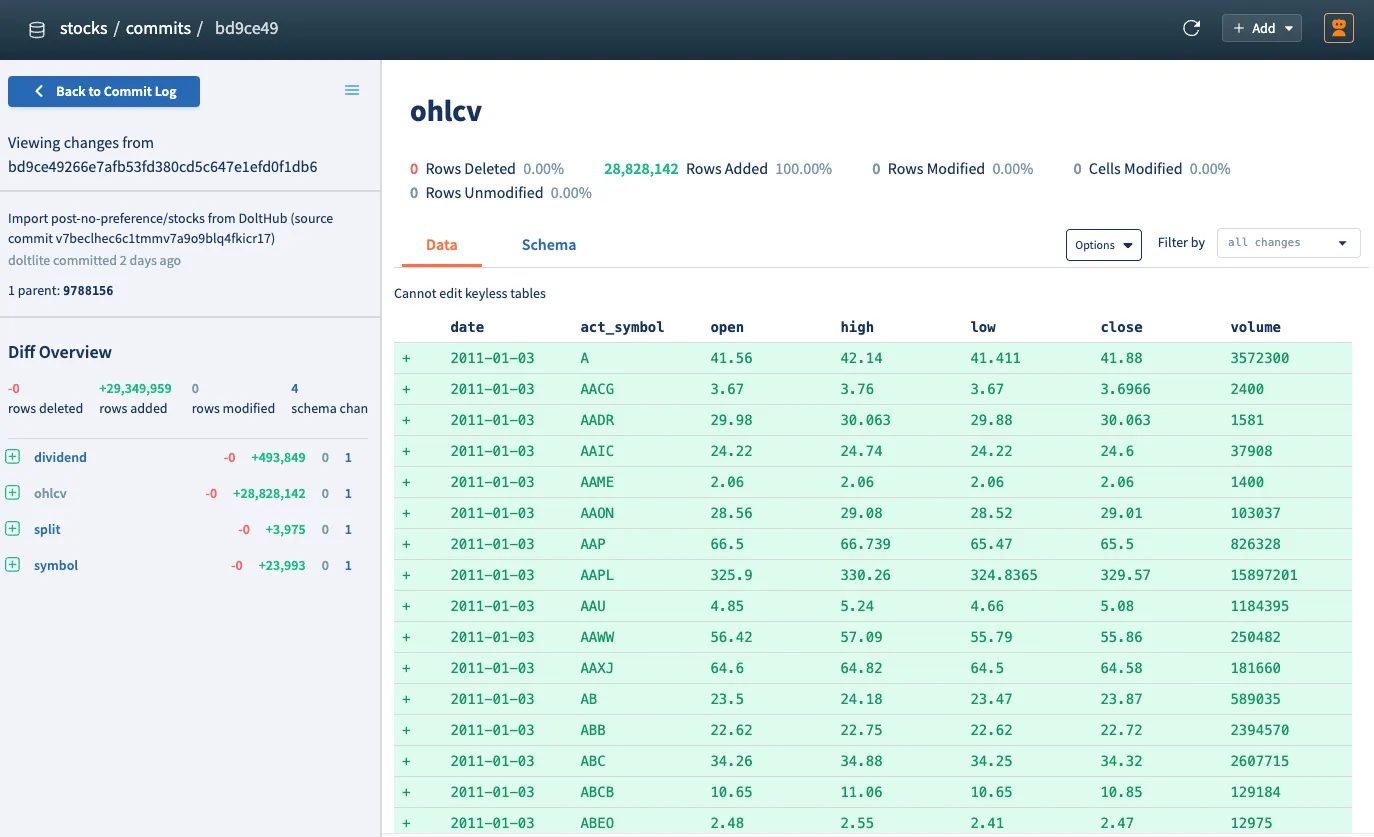
Four tables were created with approximately 29 million rows added. We now have a populated, version-controlled DoltLite database to work with.
DoltLite in Workbench#
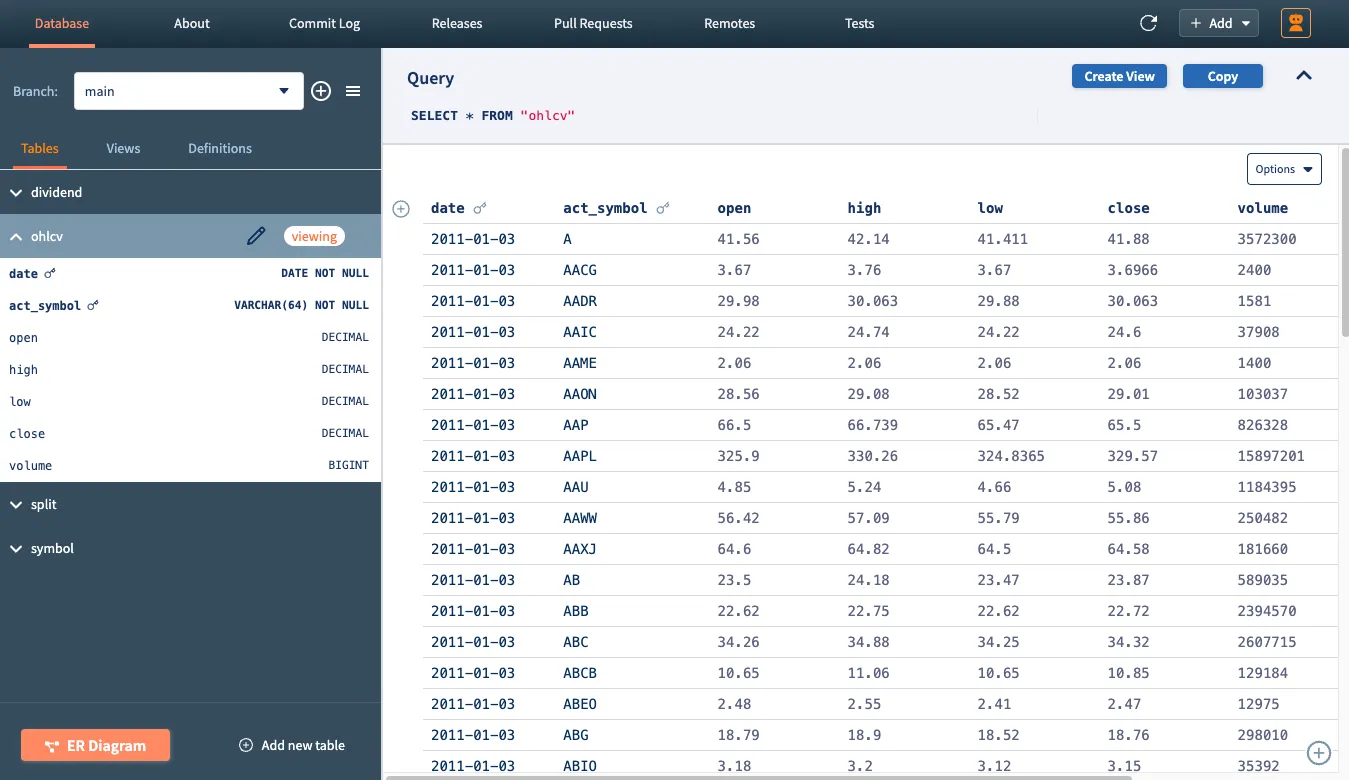
Back in the main table view, we can browse and query the data directly from the workbench.
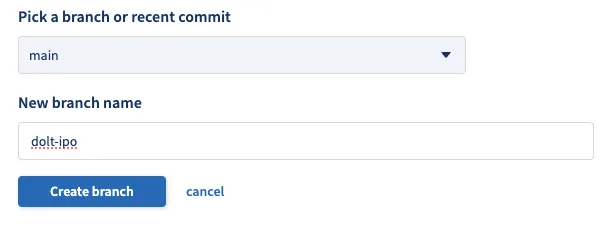
To demonstrate a typical version-controlled database workflow, we’ll create a branch, make some changes, and merge them back into main. To create the branch, click the “plus” icon next to the branch selector in the left sidebar.
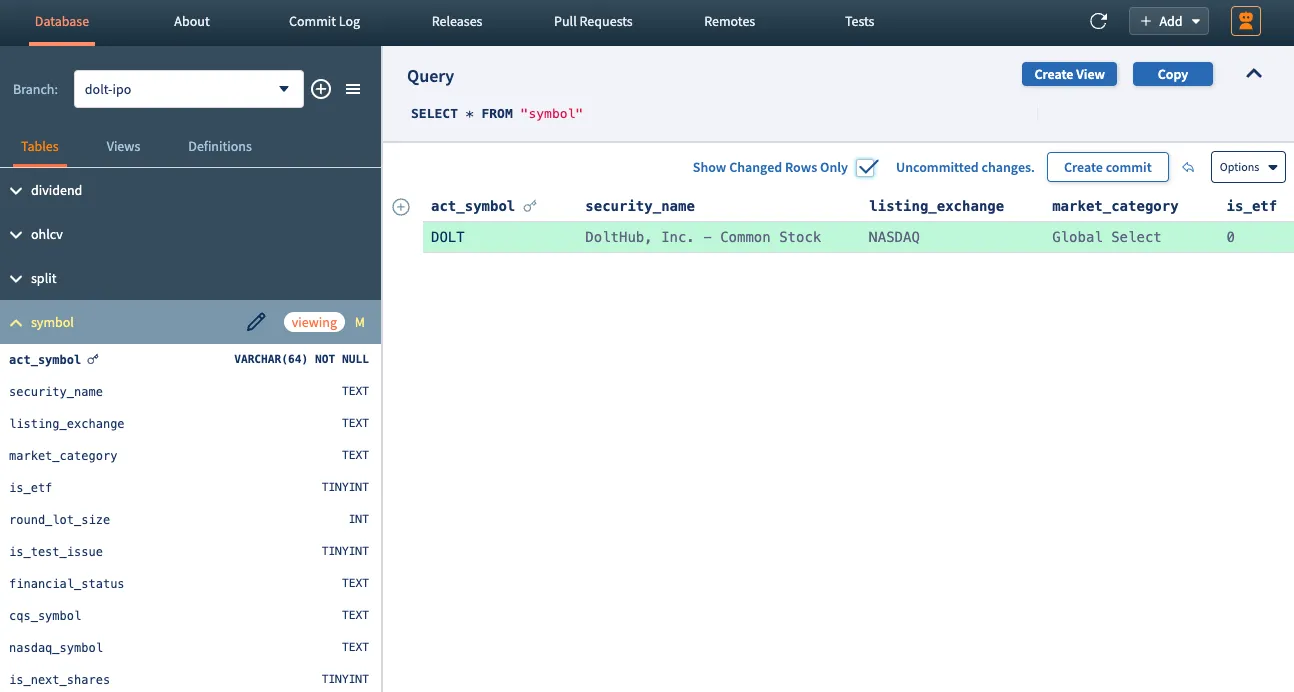
Since this is a stock market database, let’s imagine that DoltHub is going public and insert some simulated trading data. On the new dolt-ipo branch, click the “plus” icon next to the column names in the symbol table, and add a row for the fictional DOLT ticker.
Until we commit the change, the new row remains in the working set. To isolate it from the existing data, select “Show Changed Rows Only”.
Next, we’ll ask the agent to add some simulated price data for DOLT to the other tables. After committing those changes, we can compare the dolt-ipo branch with main and review the complete diff.
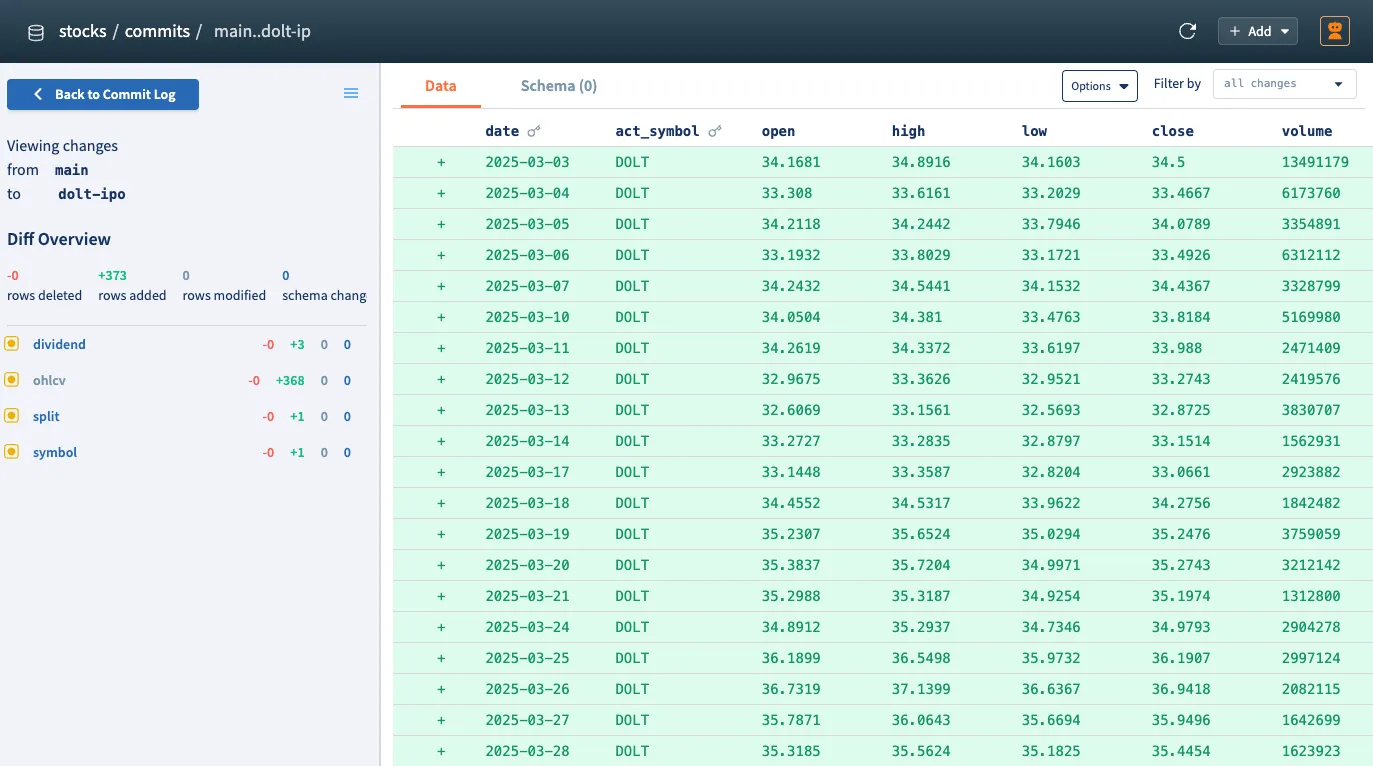
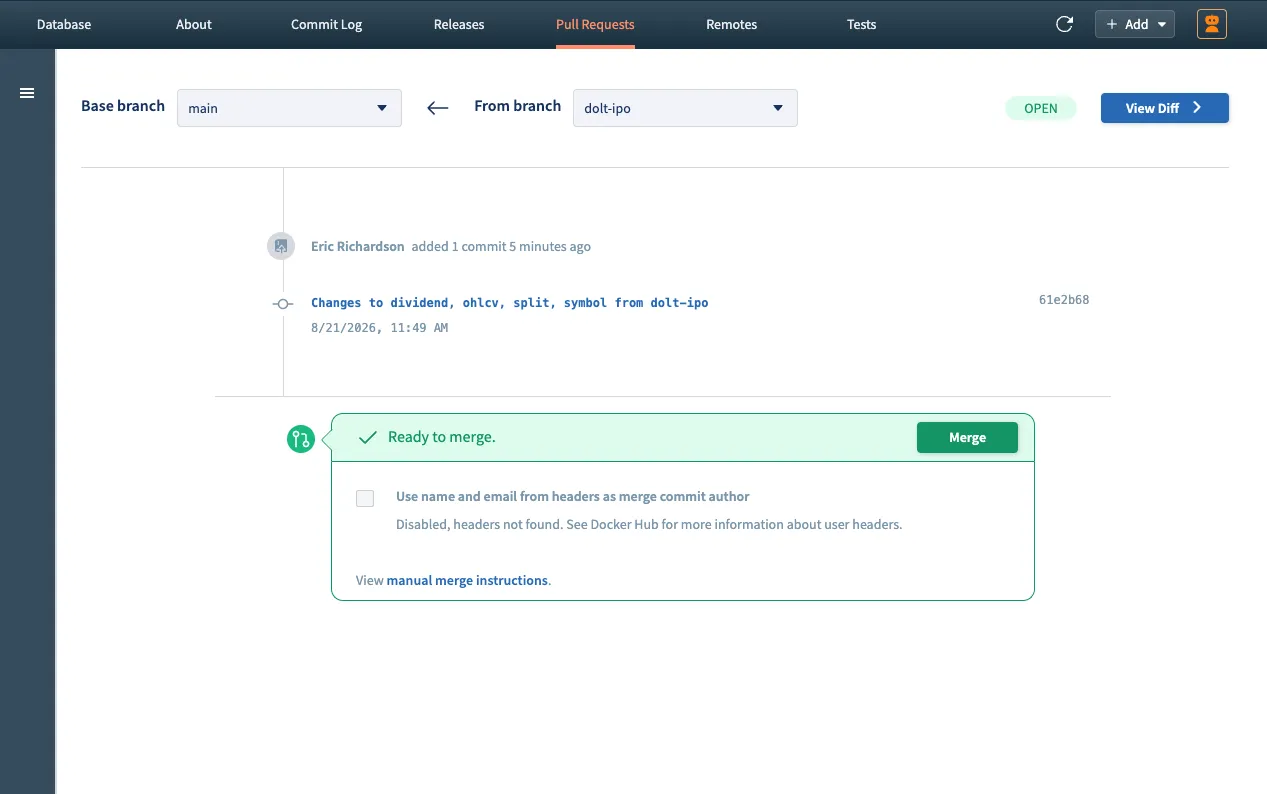
After verifying the changes, we can merge dolt-ipo back into main.
Conclusion#
DoltLite is still under active development, but it’s quickly approaching feature parity with Dolt. Most of Dolt’s version control features already work with DoltLite and are now accessible through the workbench. If you have a feature request or have questions about DoltLite or Dolt Workbench, come by our Discord and let us know.