
A couple of weeks ago, a customer approached us about using Dolt with Metabase. We’ve looked into Metabase before, but this time the goal was a bit different. We wanted to use Dolt as the internal database for Metabase, so that all dashboards and other visualizations can be versioned. Dolt’s branches also allow for agents to safely make modifications to your Metabase instance.
Let’s talk about setting up Metabase with Dolt and how to test dashboards on branches.
Setting up Metabase & Your Dolt Server#
First we’ll need to install Metabase. Their site offers multiple options, but the JAR file seems like the easiest, so we’ll go ahead with that. You’ll need to have a Java runtime environment installed. Once it’s set up and you’ve moved the JAR into a new directory, you can run the following to make sure it’s working:
java --add-opens java.base/java.nio=ALL-UNNAMED -jar metabase.jarThen, you’ll want to go to localhost:3000, and Metabase should be there! But what a shame, it’s not running on Dolt. How can we fix that?
We’ll need to have a Dolt server to do that. We can start one on port 3306 with dolt sql-server. You can follow the steps
below or use this guide. Two more notes:
- Make sure you have
@@dolt_transaction_commitoff. If you like to keep it on, you can turn it on after starting Metabase. More on this later. - You’ll need a user for the Metabase connection. I used
rootwith no password, but you should create a new user here if you wish.
% mkdir metabase-internal
% cd metabase-internal
% dolt version
dolt version 1.81.2
% dolt init
Successfully initialized dolt data repository.
% dolt sql-server
metabase-internal % dolt sql-server
Starting server with Config HP="localhost:3306"|T="28800000"|R="false"|L="info"|S="/tmp/mysql.sock"
INFO[0000] Server ready. Accepting connections.
Now we have to set the internal database that Metabase uses. Once again, they provide a variety of options,
but I decided to go with the MB_DB_CONNECTION_URI environment variable. It’s format looks like this:
type://<user>:<password>@host:port/dbNameThat gets us: mysql as the database type, root as the user, no password (use the credentials you set earlier), localhost as the host,
and 3306 as the port. Unless you changed it, the database name is the name of your directory, so for me, metabase-internal. All this gives:
MB_DB_CONNECTION_URI='mysql://root@localhost:3306/metabase-internal' java --add-opens java.base/java.nio=ALL-UNNAMED -jar metabase.jarMetabase runs a number of Liquibase migrations, spits out some text, then tells us it’s done. If we go to localhost:3000, we see this lovely landing page. Great!
Before we get started though, we should go check up on our Dolt server and see what it looks like. dolt ls tells us that 70 or so tables
have been created, so let’s create an initial commit.
% dolt ls
Tables in working set:
	 DATABASECHANGELOG
	 QRTZ_BLOB_TRIGGERS
	 QRTZ_CALENDARS
	 QRTZ_CRON_TRIGGERS
	 QRTZ_FIRED_TRIGGERS
...
% dolt add .
% dolt commit -m "Initial Metabase repo"
commit 755eonho19foks6geoklh66jb52v98lk (HEAD -> main)
Author: Nathan <nathan@dolthub.com>
Date:  Wed Jan 28 11:23:43 -0800 2026

        Initial Metabase repo
One last thing we might want to do is to slim down the repo. When using Metabase, you might notice many tables will be modified even just browsing dashboards: infrastructure tables, tables that track background jobs, and others that track timestamps and login data. Any Dolt diffs we be filled with these changes that aren’t usually intentional or relevant. We’ll want to unversion some tables, either with dolt ignore, or nonlocal tables.
The list of tables you choose can vary, and I’d urge you to explore if you’re curious, but the patterns I came up with are the following:
QRTZ_*, query, query_execution, recent_views, task_history. That list has kept my commits fairly clean without interfering with the
benefits of versioning Metabase’s tables.
Here’s an example using the dolt_ignore system table.
% dolt sql -q "insert into dolt_ignore values ('QRTZ_*', 1),('query',1),('query_execution',1),(
'recent_views',1),('task_history',1);"
% dolt add dolt_ignore
% dolt commit -m "add intrusive tables to dolt_ignore"
dolsja3osd4dap8cqdffsqicqar2jsri (HEAD -> main)
Author: Nathan <nathan@dolthub.com>
Date:  Thu Jan 29 15:21:39 -0800 2026

        add intrusive tables to dolt_ignore
Using Metabase#
Now we can log into Metabase at localhost:3000. After creating an account and using the default database for now, we’re in!
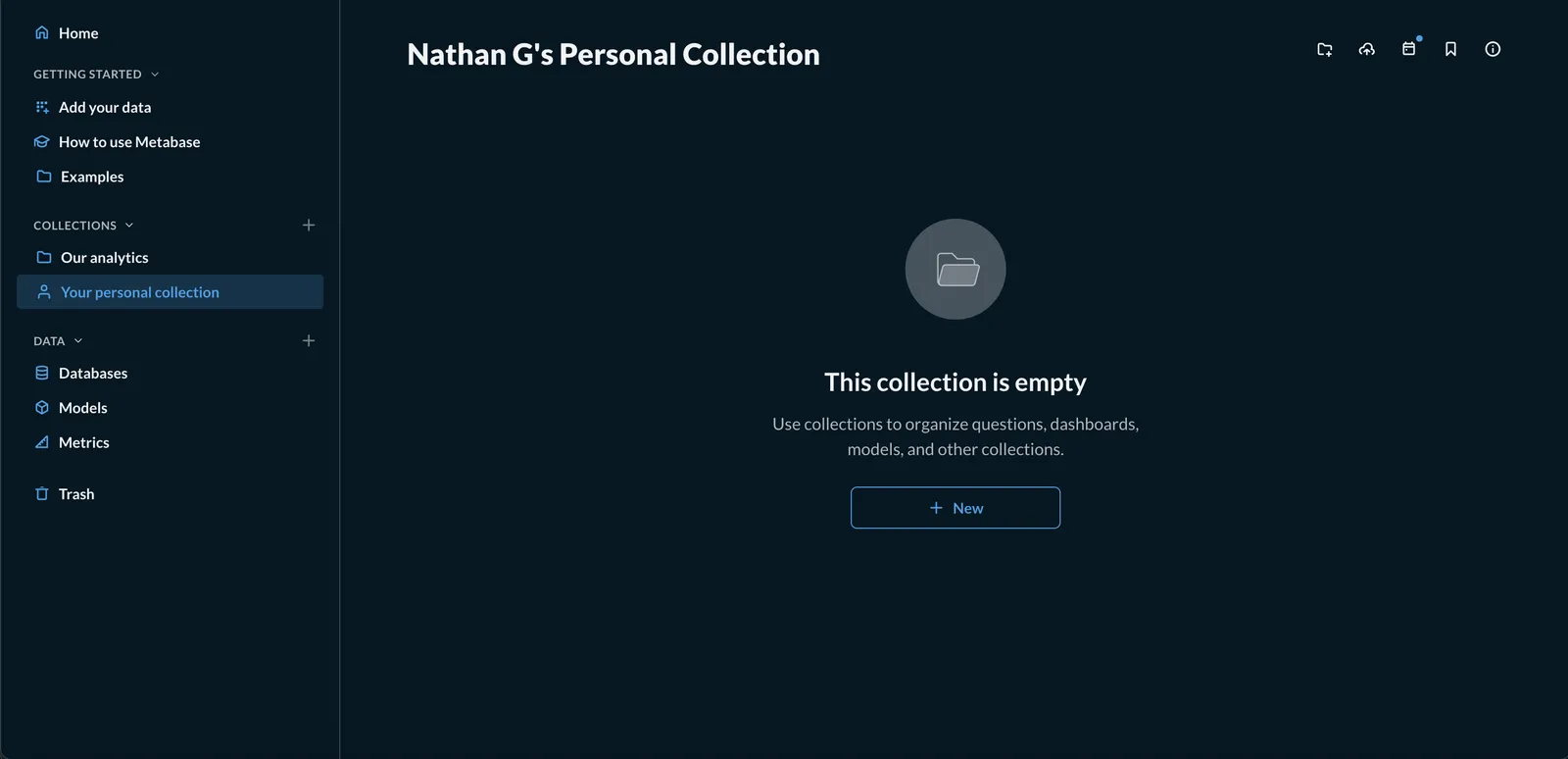
Let’s create a dashboard. We go to my automatic collection and hit new.
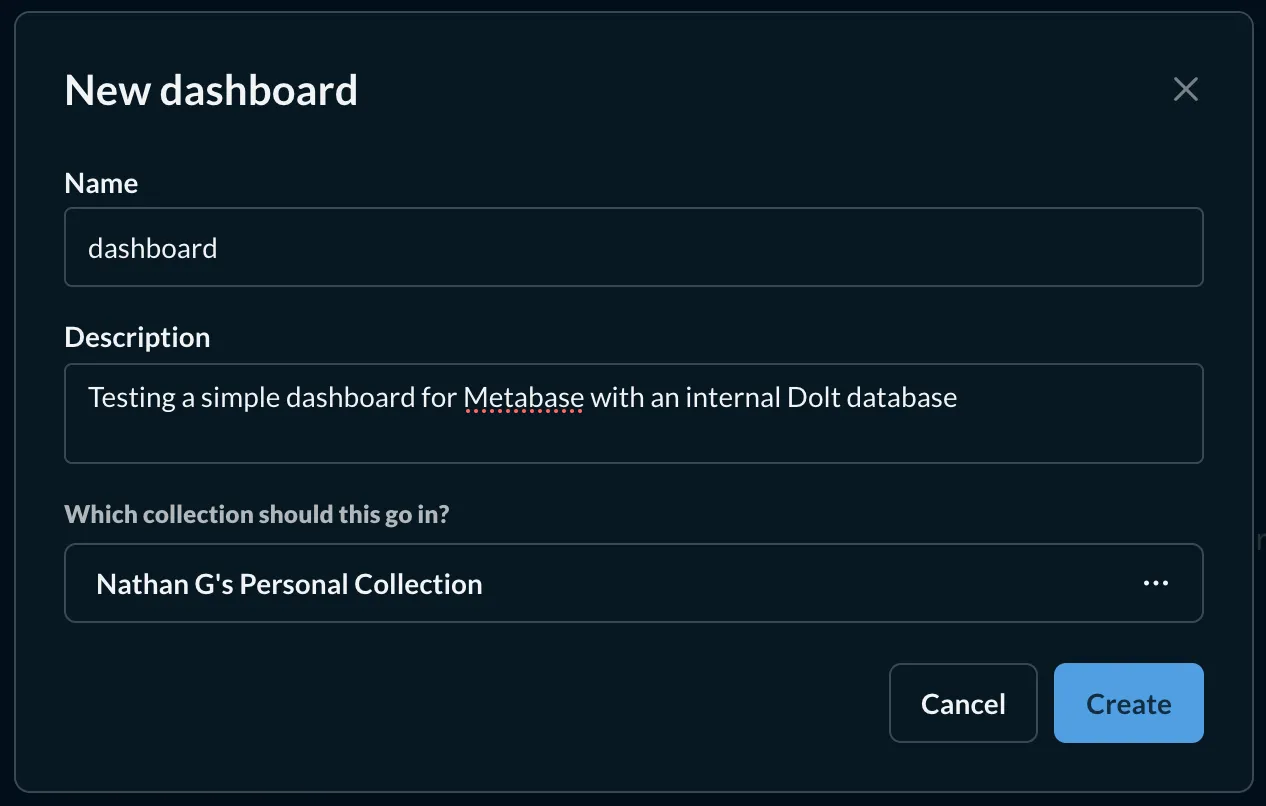
I style myself a creative person, so let’s call our new dashboard “dashboard”. Give it a short description and we’re good.
Now we just need something to add to the dashboard. Maps are cool, so let’s sort all accounts by country, with a map visualization.
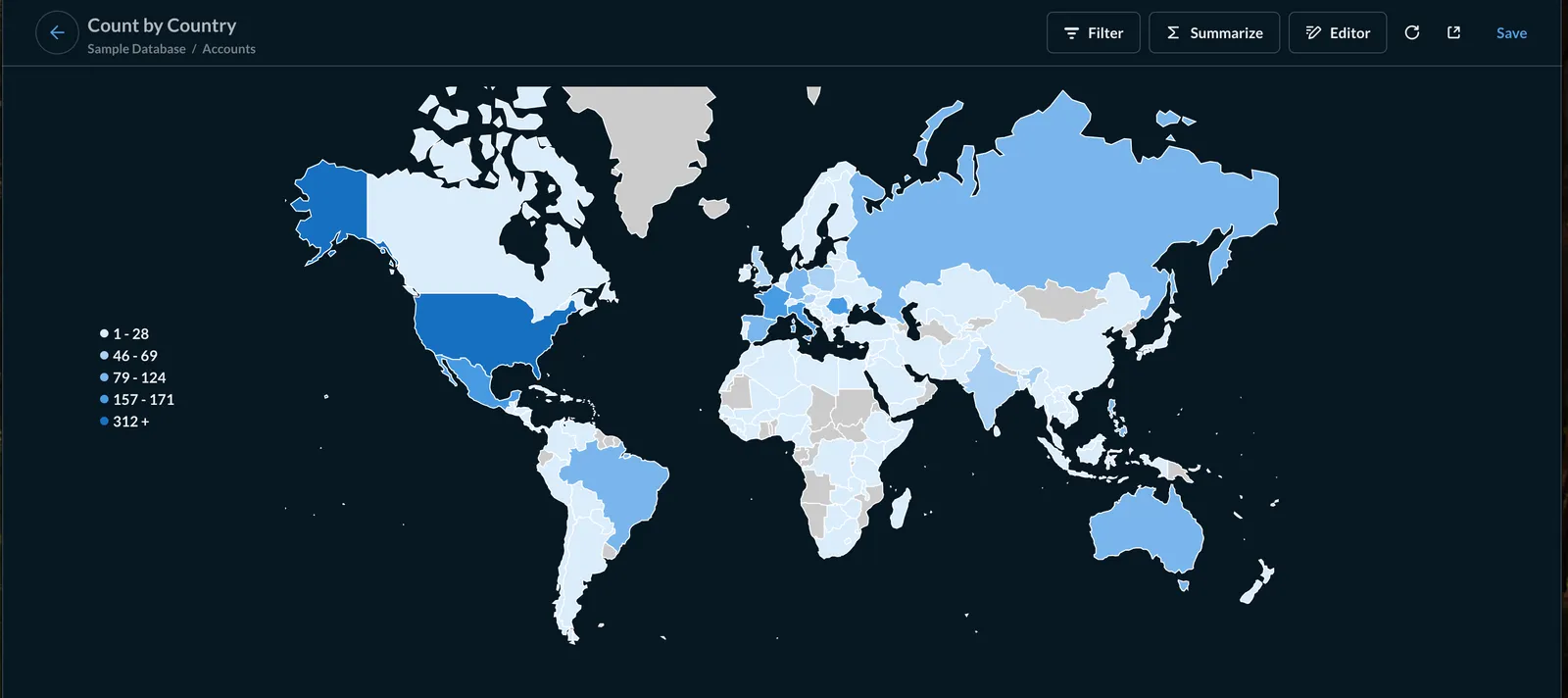
Hit save, and now we can see it on our dashboard.
We should check out our Dolt database again. dolt status tells us that a number of tables have been modified.
Let’s see if we can find our dashboard.
% dolt sql -q "select id, name, description from report_dashboard"
+----+---------------------+------------------------------------------------------------------------+
| id | name                | description                                                            |
+----+---------------------+------------------------------------------------------------------------+
| 1  | E-commerce Insights | Overview of sample data and hypothetical sales                         |
| 2  | dashboard           | Testing a simple dashboard for Metabase with an internal Dolt database |
+----+---------------------+------------------------------------------------------------------------+
There’s our dashboard! Seems like everything is working. But how might this be helpful? Metabase unfortunately doesn’t support Dolt so there’s not much we can use directly. However, this provides a great use case for agents. We can have Claude (or an AI of your choice) create a dashboard on a branch, you can review, provide feedback, continue iterating, and eventually merge. Let’s try this out.
On dolt_transaction_commit#
I mentioned it earlier, but the @@dolt_transaction_commit session variable allows for powerful behavior with Metabase.
How does it work? Once the initial Metabase initialization is done, you can set it via either dolt sql-server config behavior, or
the same way any variable can be set:
> set @@persist.dolt_transaction_commit=1;This will set it globally, so make sure you restart your server! In this case, however, the best method might be to append ?sessionVariables=dolt_transaction_commit=1 to your Metabase environment variable. Mine then looks like this:
MB_DB_CONNECTION_URI='mysql://root@localhost:3306/metabase-internal?sessionVariables=dolt_transaction_commit=1'Whichever method you chose, once this is set, each SQL commit Metabase makes will automatically be made into a Dolt commit. Without any application changes, each internal query will be ordered and saved in Dolt. This enables precise control
of your Metabase instance, particularly, you can roll back to any commit. If you’d like to learn more, check out Jason’s blog on @@dolt_transaction_commit.
AI Use Case#
I uploaded our database here. Let’s create a new directory, clone the database, then start Claude.
% mkdir claudePlayground
% cd claudePlayground
% dolt clone nathang/metabase-internal
cloning https://doltremoteapi.dolthub.com/nathang/metabase-internal
1,058 of 1,058 chunks complete.
% cd metabase-internal
% claude
I’ll have Claude figure out all the Dolt commands, then tell we can have it create a dashboard. Let’s aim for a dashboard covering the products in this database: the highest rated and highest selling ones, a graph showing sales per category over time, and some metrics.
Claude wants to make a plan, and I’m a generous person, so I say yes.
> Can you update the claude branch with a dashboard that shows data on the products in this database:
the highest rated and highest selling ones, a graph showing sales per category over time, and some metrics on the current state of sales.

Make sure you cross examine existing dashboards and verify all fields.

⏺ Entered plan mode
It asked me a couple of questions about my vision for the dashboard, then went ahead.
⏺ Excellent! Now I have a complete understanding of the dashboard structure. Let me write the implementation plan.

⏺ Updated plan

⏺ User answered Claude's questions:
  ⎿  · For the 'highest rated products' visualization, what would you prefer to see? → Top 10 products in a table (Recommended)
     · For the 'sales by category over time' chart, what time period should it cover? → Last 12 months (Recommended)
     · What current sales metrics would you like to see? → Total Revenue (Recommended), Total Orders (Recommended)

⏺ Perfect! Let me update the plan based on your preferences.

...

 ⏺ Perfect! I've successfully created the Sales Performance Dashboard on the claude branch.
Claude’s adoration of interjections aside, we can now see the fruits of our work. Claude pushed to a remote branch,
which I was then able to pull down. We’ll need to restart Metabase with a new connection string,
to switch to the right branch. Dolt makes this easy! Append /claude
(use the name of your feature branch) to the environment variable as follows:
MB_DB_CONNECTION_URI='mysql://root@localhost:3306/metabase-internal/claude?sessionVariables=dolt_transaction_commit=1' java --add-opens java.base/java.nio=ALL-UNNAMED -jar metabase.jarReturning to localhost:3000, we can see a bunch of new metrics, graphs, and a dashboard.
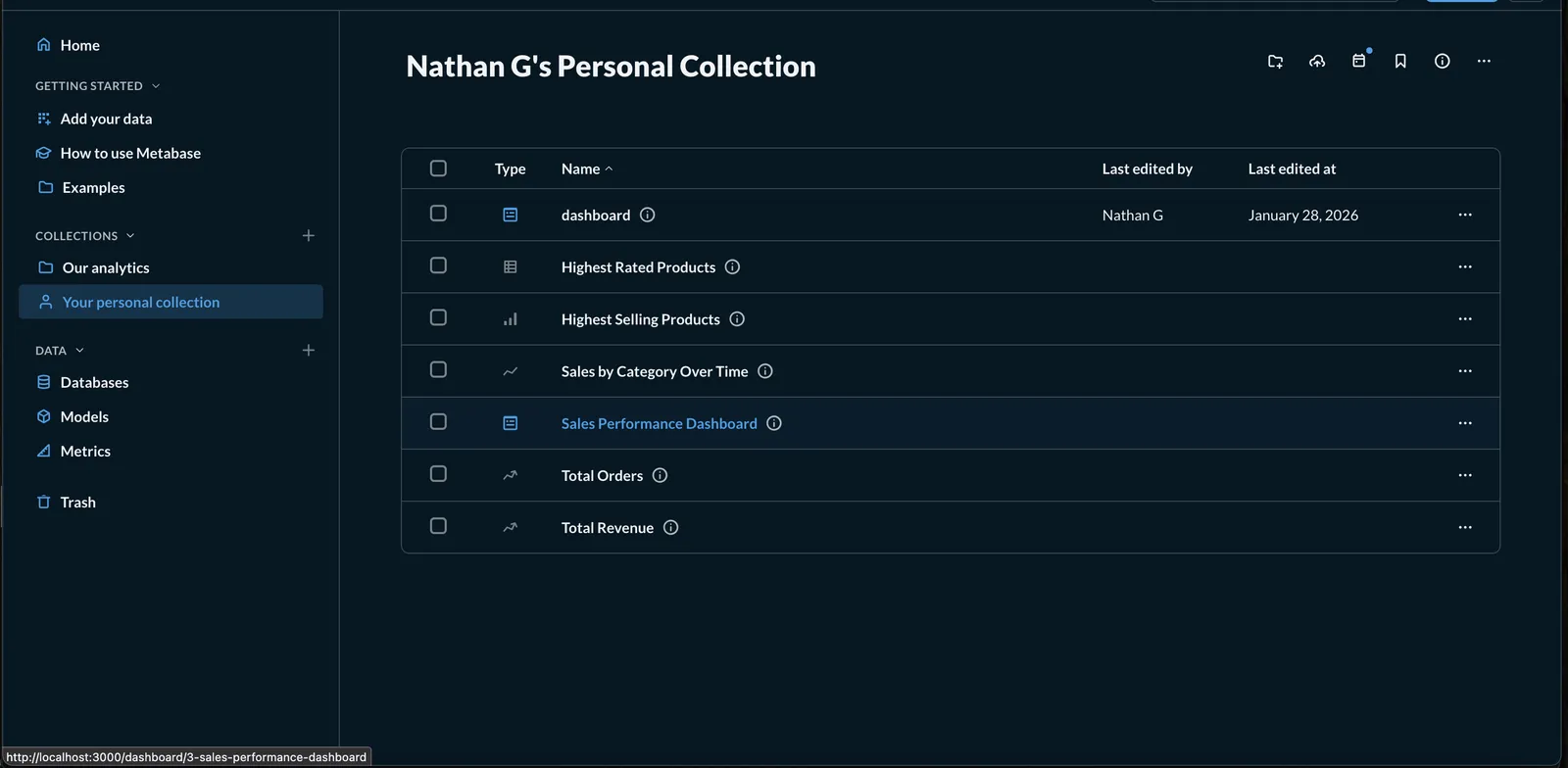
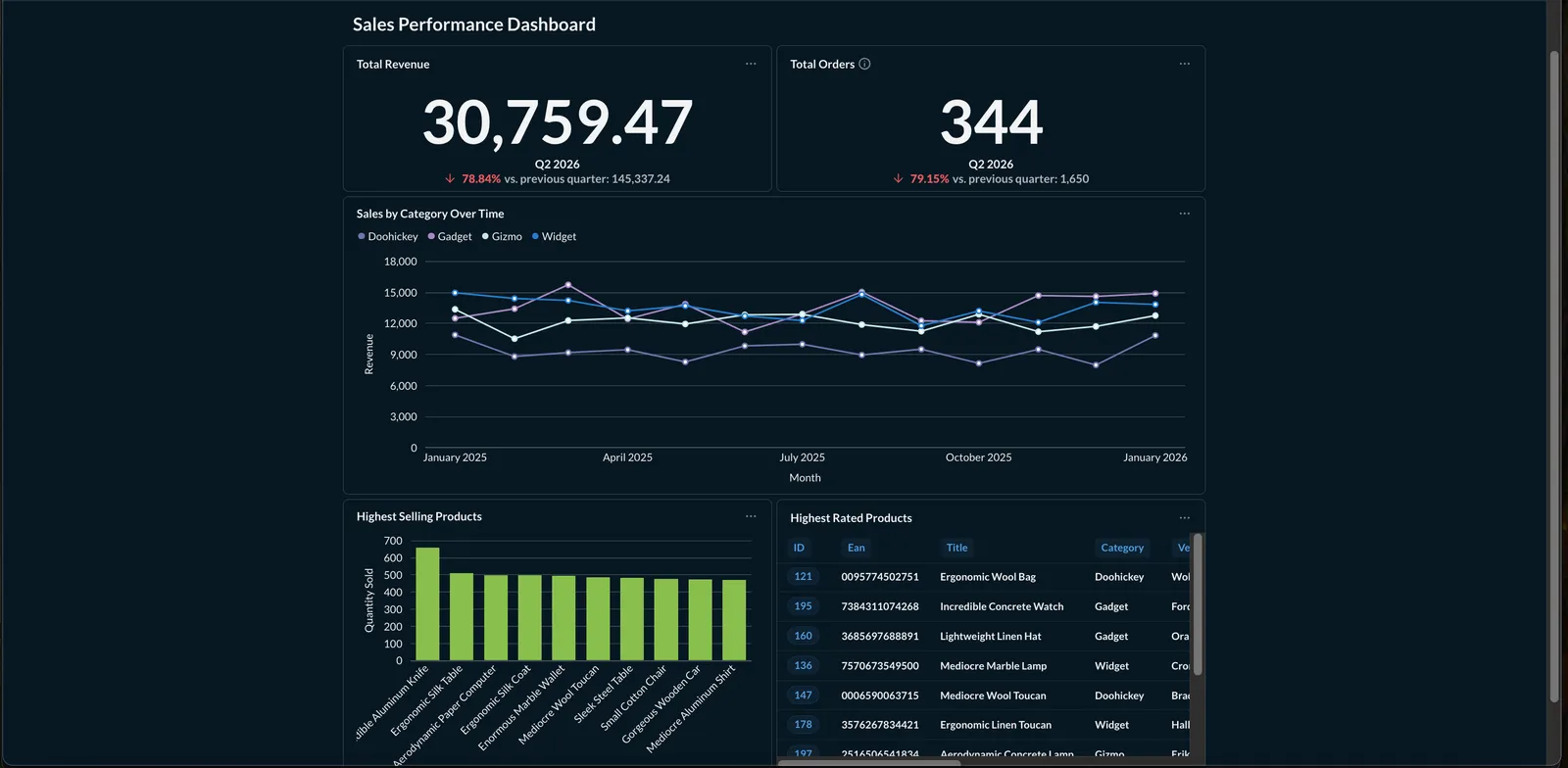
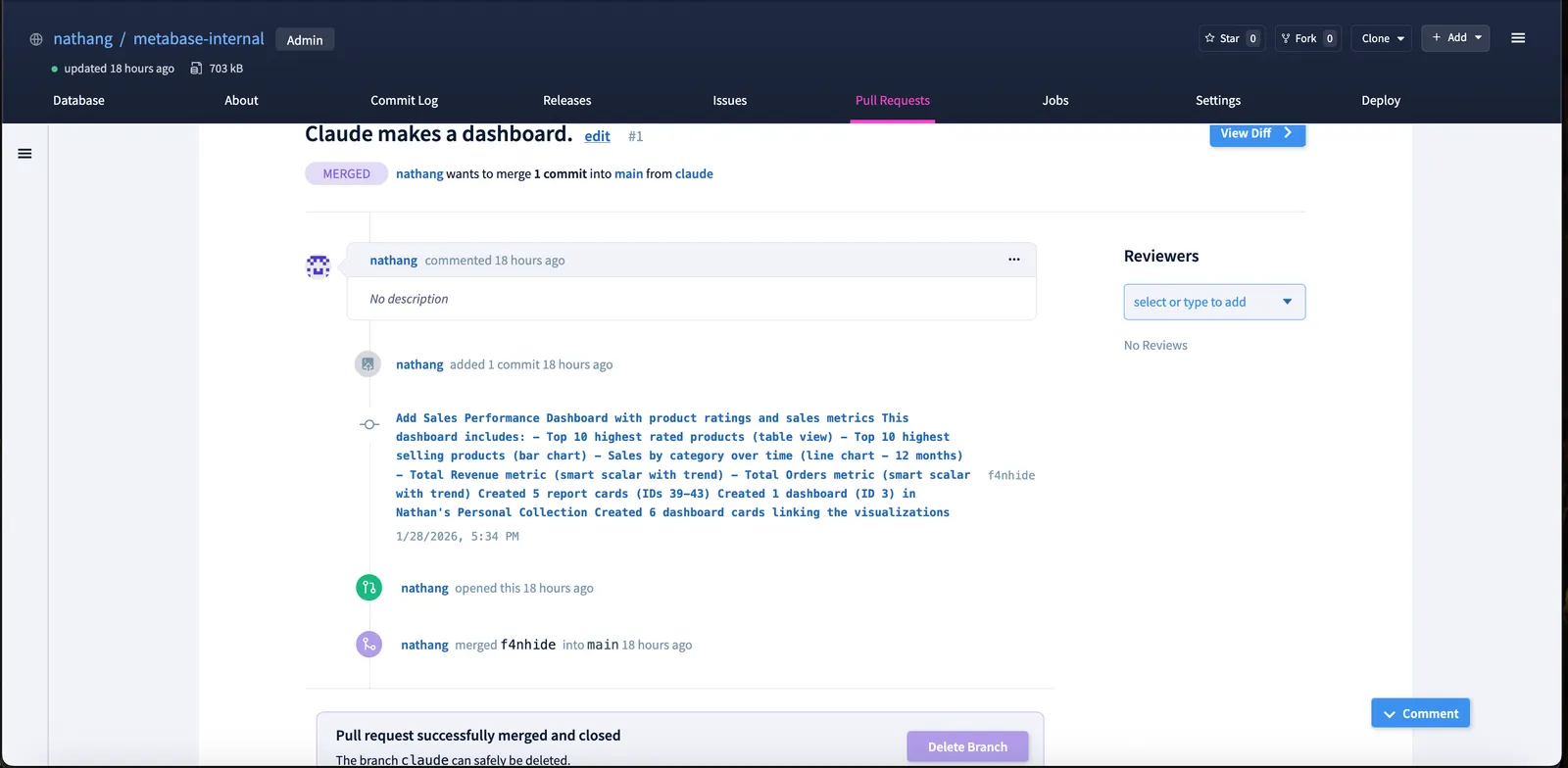
It’s all there! Now we’re all good to create a PR on DoltHub and merge into main. You can see the PR here if you’re interested.
What’s Next?#
Dolt allows for this flexible management of Metabase’s backend database. Its branching and merging workflow allows for AI agents to safely create their own dashboards, that can then be reviewed before being folded into the main system. Have any questions? Come join us on Discord, we’re always happy to chat.