
DoltLite is Beta. I claimed in the Beta announcement that “reports from the field on functionality and stability are universally positive.”
One of the users in the field is datalib, a new project by Imbue that mirrors your personal data. DoltLite is used as the versioned, content-addressed file format making every sync a commit. datalib is the first major open-source DoltLite project I found.

Let’s dive in.
What is Imbue?#
Imbue is an AI company based in San Francisco formed in 2021. Their tagline is:
We build AI to help people think, create, and build. Tools that are loyal to you.
Imbue’s main product is called Studio. Studio is a multi-player runtime environment for making collaborative agentic apps that work across desktop and mobile. Imbue builds a number of other open-source projects including datalib, all in the “enhancing AI” theme. The most popular by star count is Cloud in a Bottle (great name), which lets you deploy, use, and share web apps on a server you control.
I had not heard of Imbue before I found datalib, but I like their open-source, collaborative vibe. I was in their office last week, and this is definitely a cool company you should be rooting for.
What is datalib?#
In Imbue’s own words:
datalib mirrors your personal data — chats, email, messages, contacts, documents, photos, health and fitness — out of the services that hold it and into one place you own: a folder on your own computer, in open formats, with history. Once it is there you can search it, join it across sources, and point whatever tools you like at it, without asking anyone’s permission.
datalib is free and open source. Throw it a star so it can catch up to Vet in Imbue’s star rankings.
I tried datalib using the Mac desktop version. You download the .dmg and fire up the app. The first thing to do is to configure some sources. I configured Claude Code and Codex. I mainly use those to build DoltLite. After doing that, there is an initial sync. This took a few hours given my dense usage of both these products.
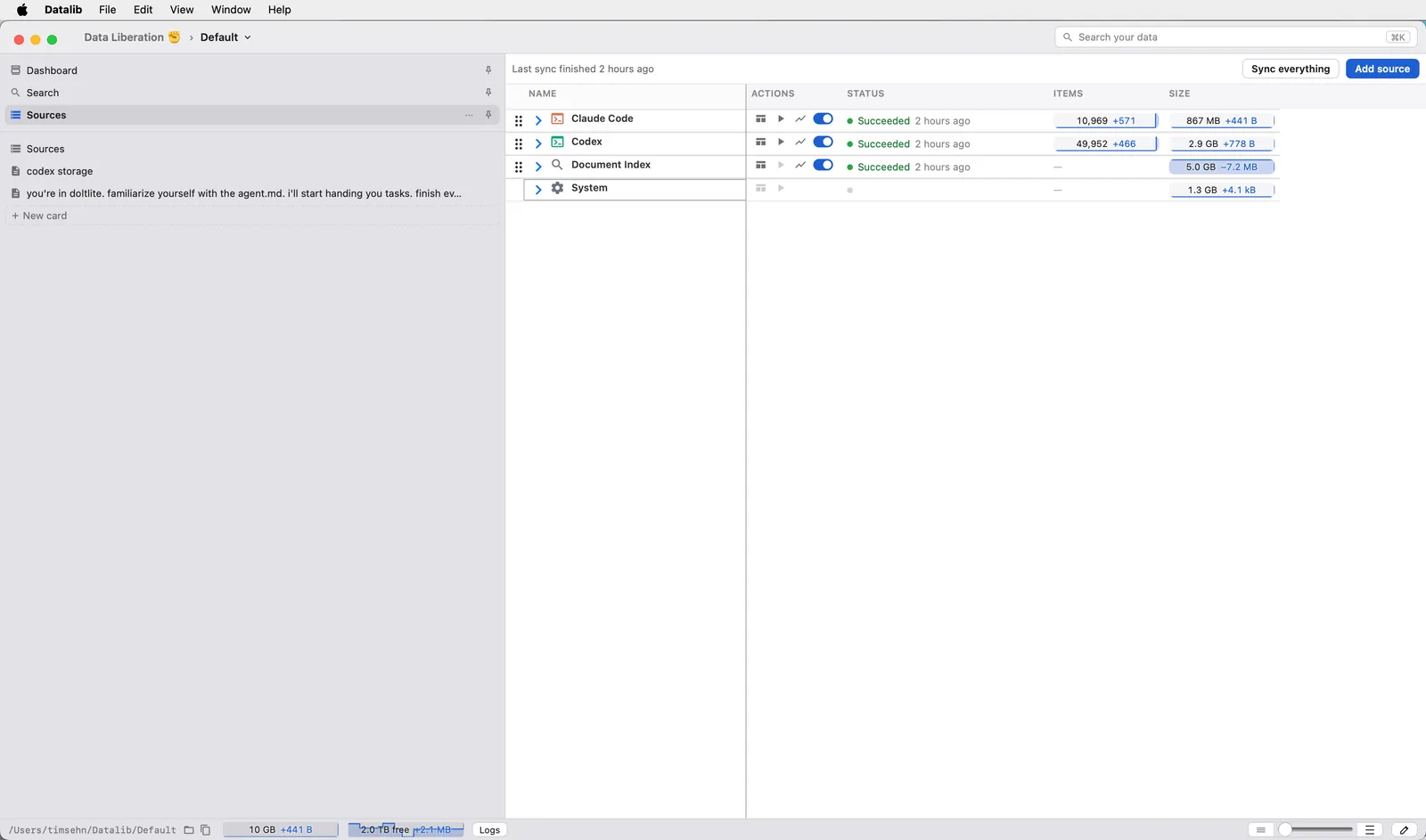
After a sync you can browse and search your data. For instance, let’s say I wanted to find the session that fixed DoltLite issue 4230. I searched “fix 4230.” I tend to run very long sessions with many issue fixes per session. datalib found the proper Claude session, and after a bit of scrolling, I found the appropriate back-and-forth.
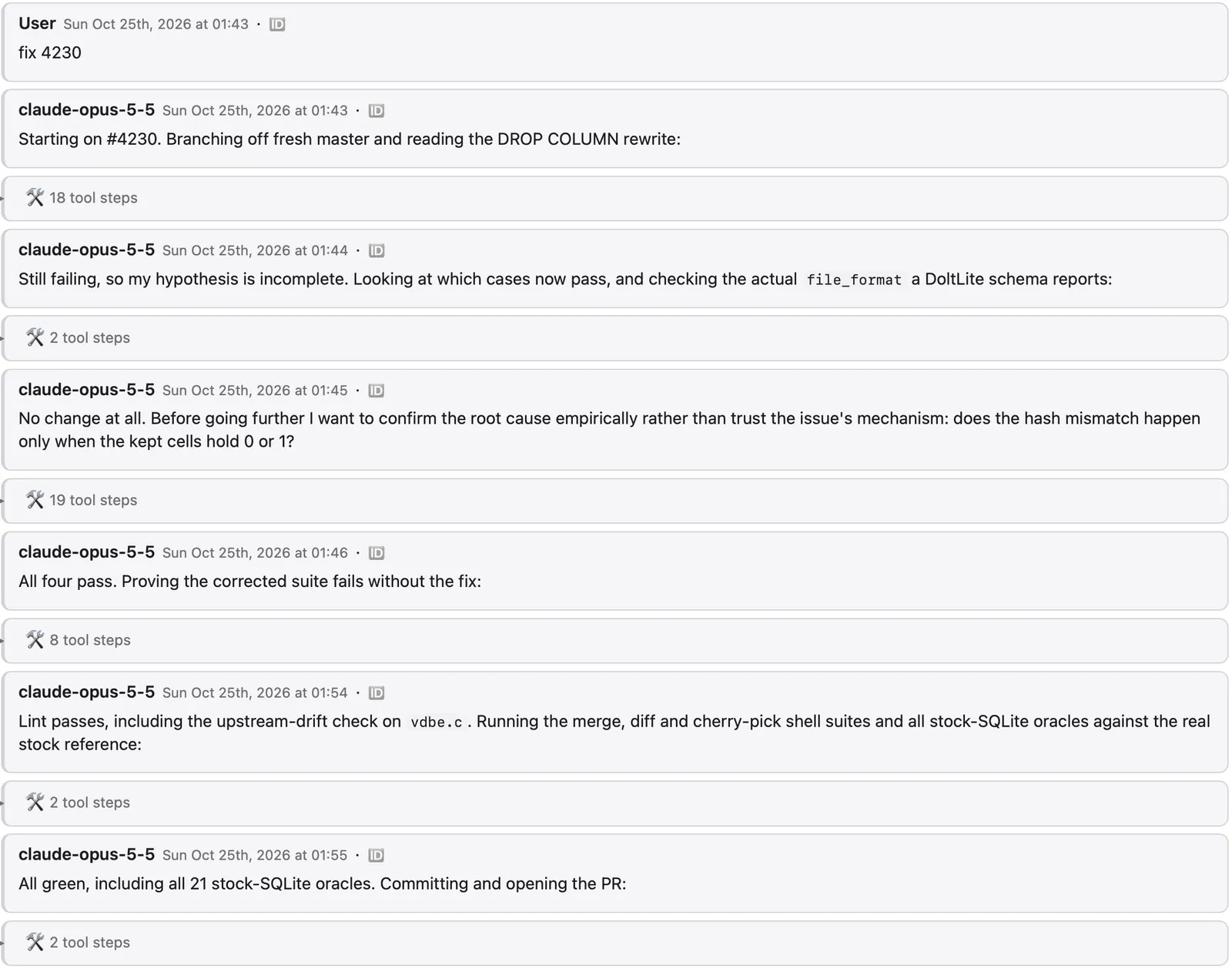
That’s about it. This product is less about what you do with the data after syncing it and more about taking control of your data back from the connected sources. Your data belongs to you, not Anthropic or OpenAI. Thad, the maintainer of datalib from Imbue assures me more is coming.
Why DoltLite?#
The stores are doltlite: SQLite’s engine over a versioned, content-addressed file format, so a database file is also a git-shaped history of itself. Every sync is a commit. That is what makes the pipeline incremental — each stage asks “what changed since the commit I last read?” rather than rescanning — and it is what keeps the record of what a source changed or deleted between syncs.
As you can see, DoltLite is core to the datalib product. DoltLite is an open format that provides history and diffs. History and diffs are what make datalib different than just copying your files to another directory on your machine. The embedded nature of DoltLite, the single-file format, and the SQLite compatibility make DoltLite a natural fit for a project that promises local control of your data.
DoltLite is part of the Dolt ecosystem that includes a SQL Workbench, DoltHub, and DoltLab. Beyond the fundamental requirements of diffs and history, the DoltLite ecosystem adds a couple of additional benefits: a GUI to browse the data and history and an online sharing and backup mechanism for your data.
Dolt Workbench for GUI#
The Dolt Workbench is a desktop application available via GitHub download or the Mac and Windows App Stores. The Dolt Workbench gives you a familiar Workbench GUI on top of your Dolt, Doltgres, and DoltLite databases. The Dolt Workbench is the most information-dense way to access the data and version control information stored in Dolt databases.
You can explore your datalib-generated databases using the Dolt Workbench.
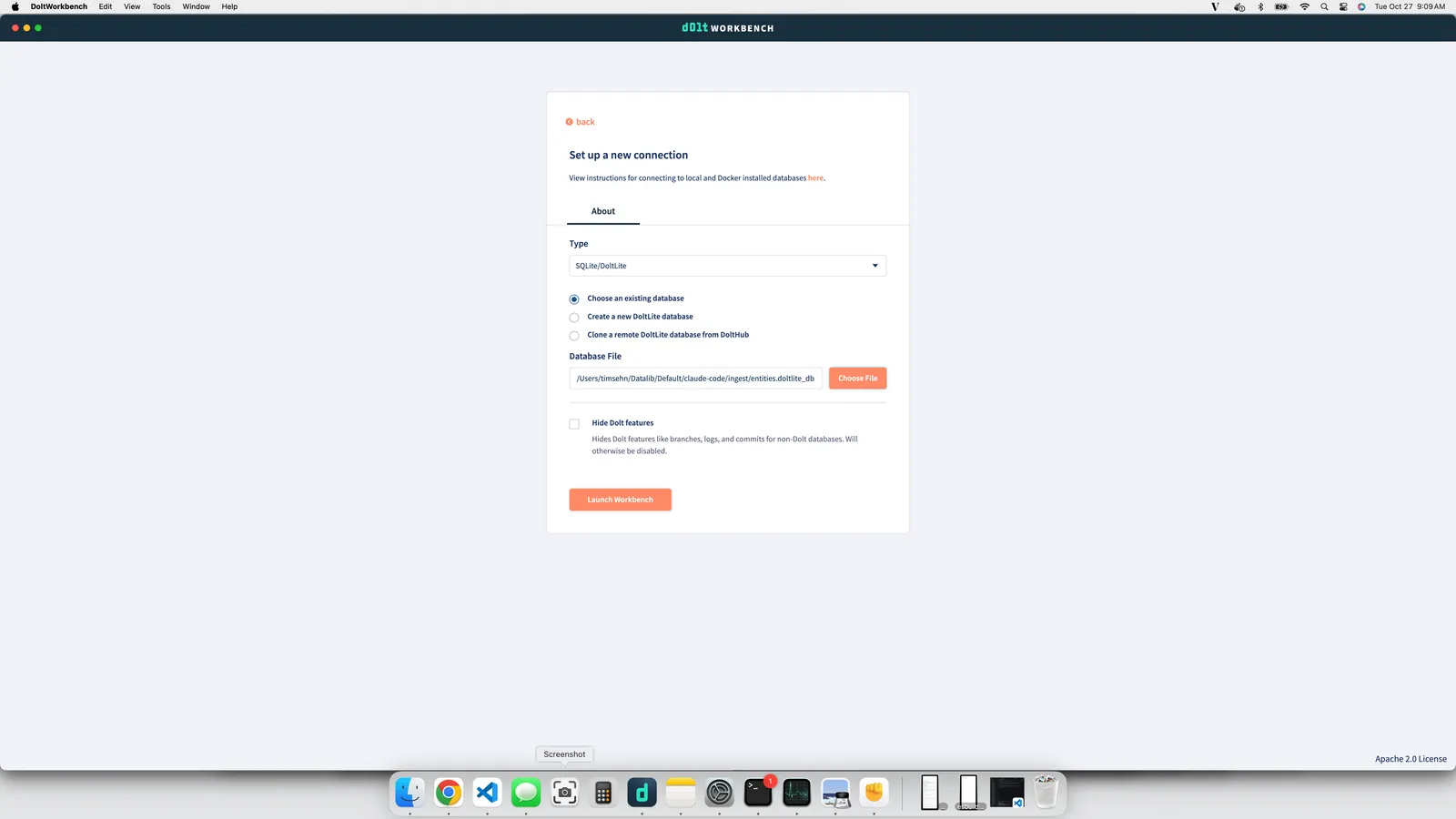
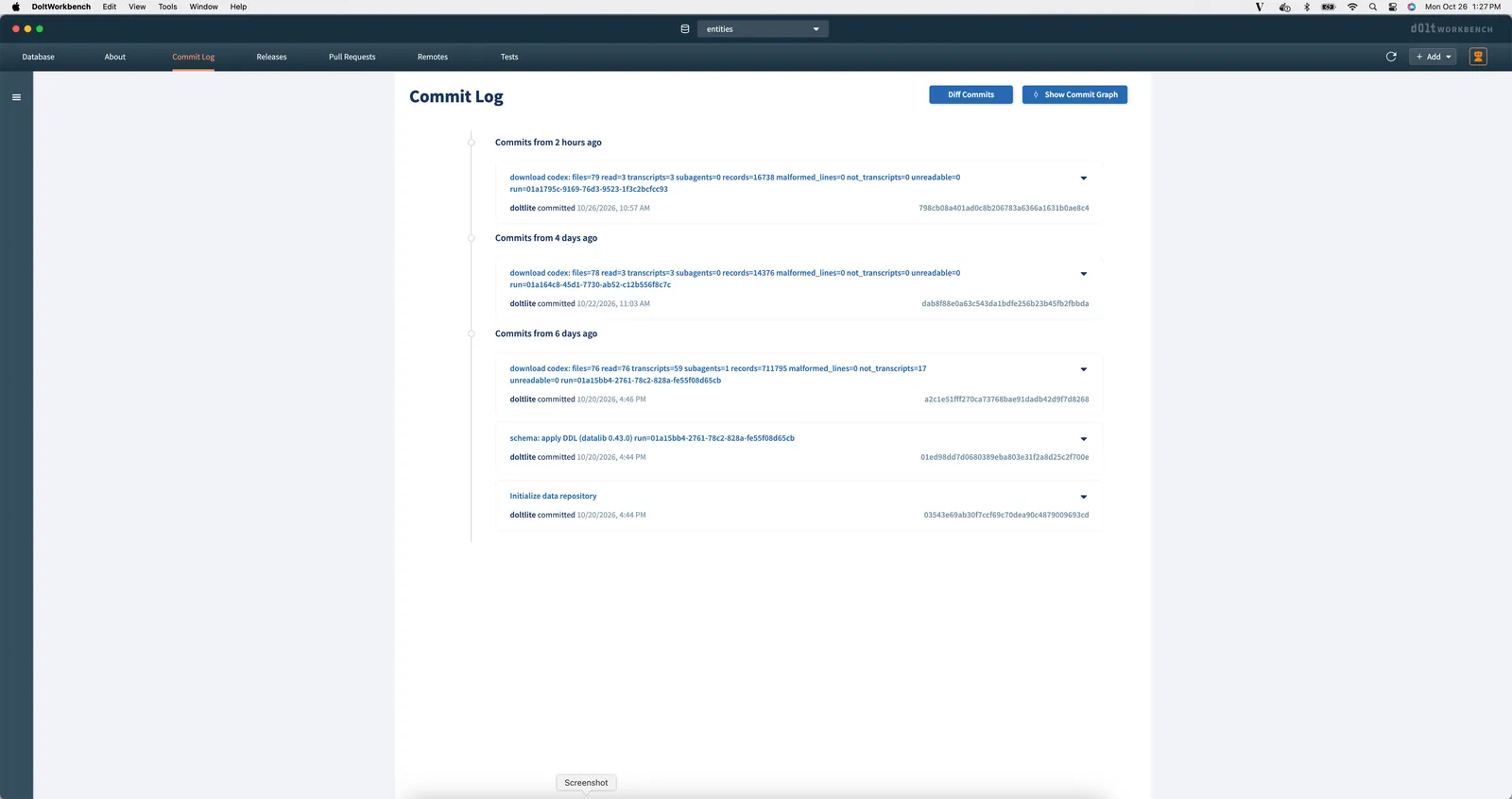
Once you open a DoltLite database in the workbench, you can use the GUI to explore your data and its history. For instance, here is the commit log. You can see every time you synced and the diff for each sync.
DoltHub for Sharing#
I shared my Claude and Codex sessions, versioned in DoltLite format, on DoltHub.
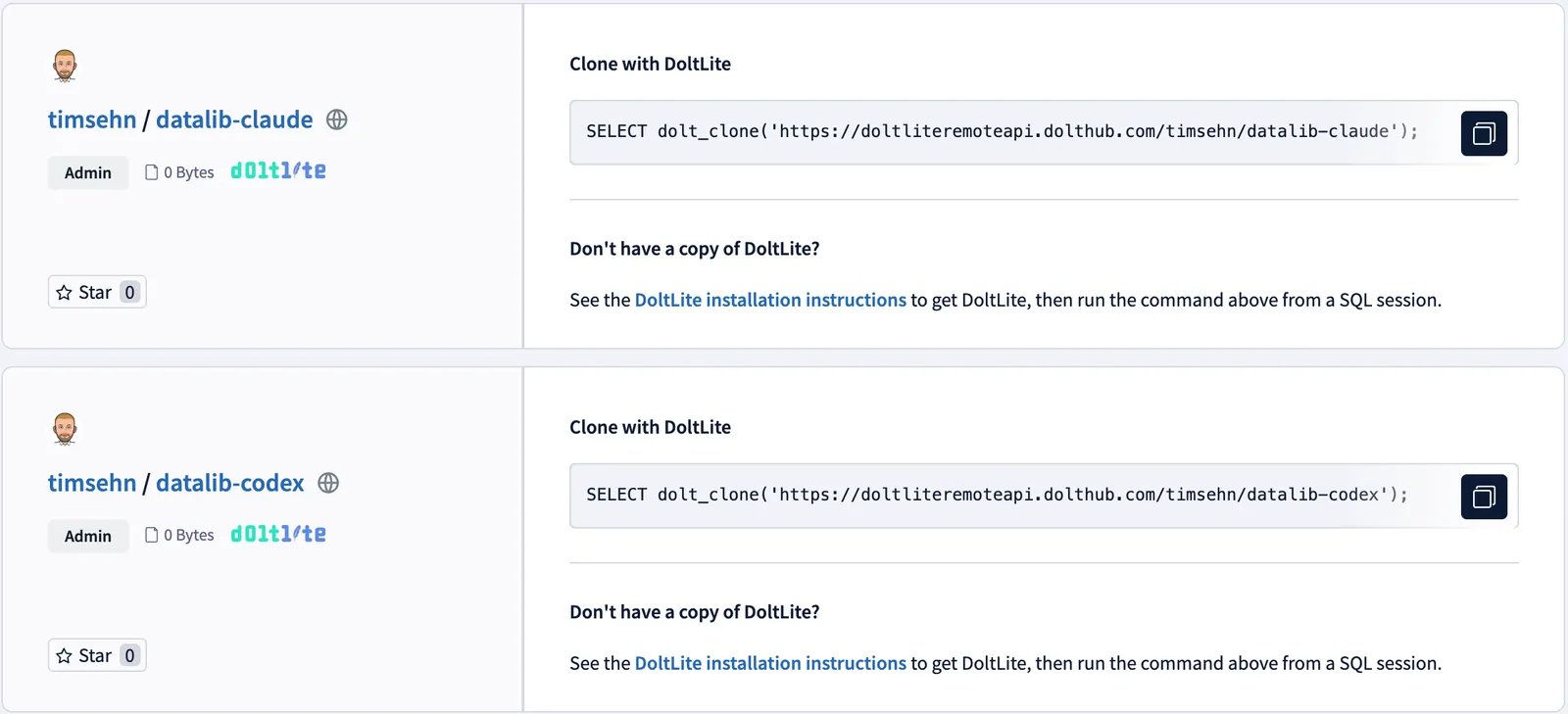
To push DoltLite databases generated by datalib to DoltHub, first create a database on DoltHub. Then on your machine, navigate to the directory where datalib is configured to store your data. My Claude Code data is at ~/Datalib/Default/claude-code/ingest, and the database is named entities.doltlite_db. After installing DoltLite (it’s available via Homebrew), invoke the doltlite shell with doltlite entities.doltlite_db. Then use the following SQL.
SELECT dolt_creds_new();
-- Add new credential to DoltHub
SELECT dolt_remote('add', 'origin', 'https://doltliteremoteapi.dolthub.com/timsehn/datalib-claude');
SELECT dolt_push('origin', 'main');
Feel free to clone them and see what I’ve been up to with DoltLite. There may be some other non-DoltLite gems in there if you care to search.
Thad wanted me to note that sharing your data publicly on DoltHub is definitely not a “recommended” workflow for datalib. It’s very easy for credentials to sneak into tool calls and tool calls are in the DoltLite I shared. I did a cursory pass and think I’m all clear but if you find one, please let me know. Datalib DoltLite databases really should be shared as private databases but that wouldn’t be fun for the blog article so YOLO.
What’s Next?#
As I said, datalib seems like a fundamental building block rather than a product in and of itself. I’m excited to build up some sync history in DoltLite and see what I can build with it. Any ideas? Come by our Discord and tell me about it.